'%20/%3e%3cpath%20d='M206%20112%20L206%20232%20L310%20172%20Z'%20fill='%23fff'%20/%3e%3crect%20x='96'%20y='288'%20width='320'%20height='48'%20rx='24'%20fill='%23fff'%20fill-opacity='0.35'%20/%3e%3crect%20x='96'%20y='288'%20width='196'%20height='48'%20rx='24'%20fill='%23fff'%20/%3e%3crect%20x='136'%20y='364'%20width='240'%20height='48'%20rx='24'%20fill='%23fff'%20fill-opacity='0.35'%20/%3e%3c/svg%3e) Kara3
Kara3Automatic timing: match the lyrics to the singing
Updated October 4, 2026
Tapping a song by hand means pressing along line by line, which can take several minutes a song. Automatic timing separates the vocals from the music and matches them against the sounds of the lyrics to find when each word starts. You then fine-tune it in tap timing mode, which is much faster than tapping from scratch.
What you need
- A video or audio file on your computer: open an mp4, mp3, m4a, wav or similar file with File > Open video file. The sound of a YouTube video cannot be read, so a YouTube link will not do.
- A recent Chrome or Edge: timing runs on your computer's graphics card (WebGPU), which is fast. Browsers without WebGPU use the CPU instead; timing still works, only much more slowly.
- The lyrics: one line per subtitle. The times do not need to be right, only the order. You can import an SRT or another subtitle file or type the lines into the subtitle list.
The first time, about 320 MB of models is downloaded; after that it works offline. The sound of the video and the lyrics stay on your computer and are never uploaded.
Supported languages: Chinese, Japanese, Korean, English and Spanish. English words mixed into a song are fine.
Timing a song
- Open the lyrics and the video.
- Choose Subtitles > Automatic timing.
- Choose what to time:
- Selected lines: searches only within 3 seconds of their current times. Handy for redoing a few lines.
- The whole track: times the whole song from the start; the lines' current times do not matter.
- All tracks: shown when there are two or more tracks. For a duet with one track per singer, choose this one: timed alone, a line both singers sing may be matched to the other singer.
- To keep your lines as they are, tick "Make a new track and leave the lines as they are"; the result goes on a new track.
- Click Start timing.
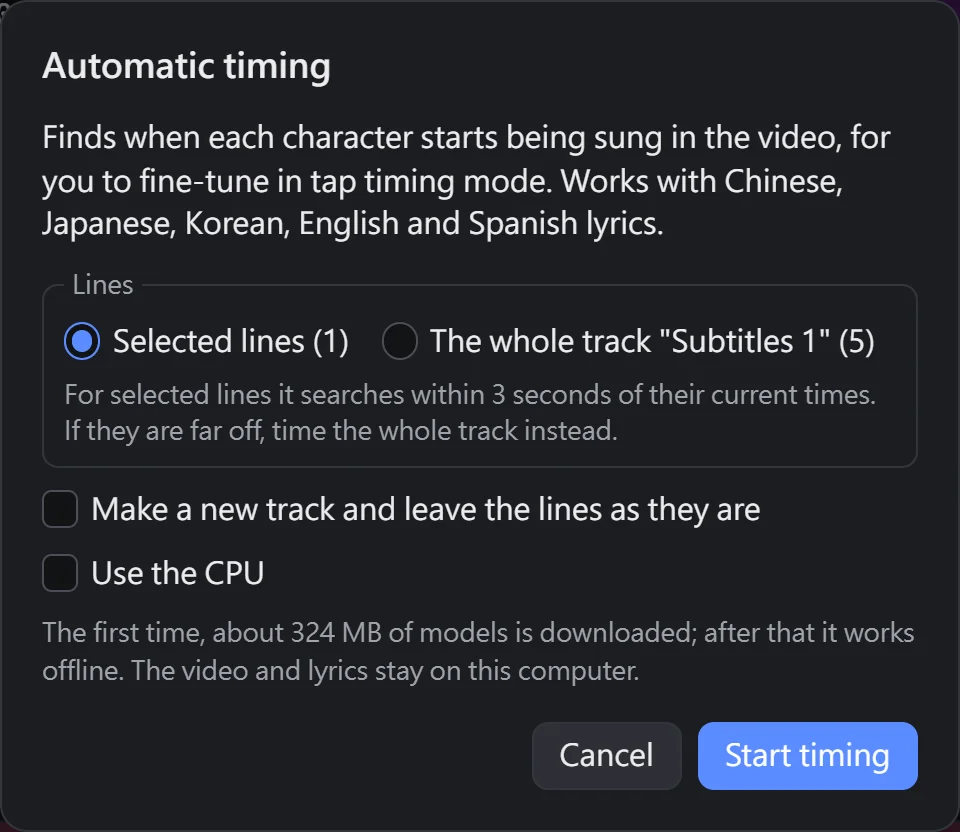
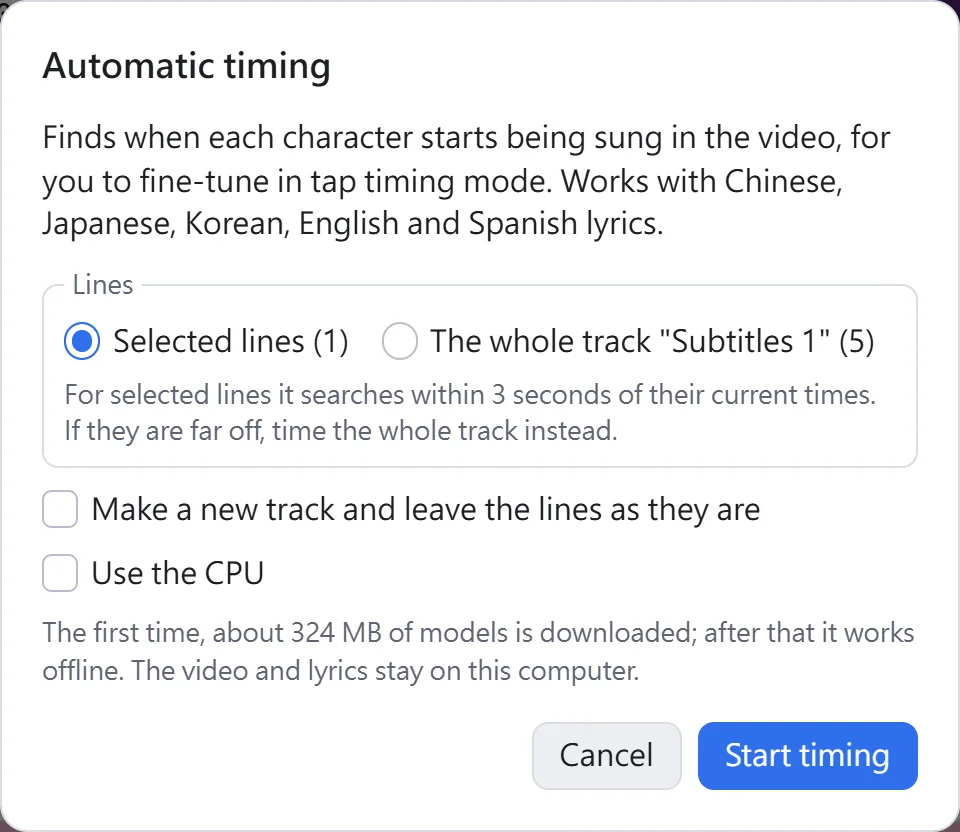
Timing goes through five steps: reading the lyrics, downloading the vocals model, downloading the timing model, separating the vocals and timing the lyrics. All downloads come first, so a network problem shows right away; anything already downloaded is skipped. A three-minute song takes about a minute on a typical dedicated graphics card.
Keep the tab in front while it works: browsers slow down graphics work in background tabs a lot. The graphics card runs at full speed, so your screen may stutter a little. If it gets in the way, tick "Use the CPU": several times slower (about 10–20 minutes for a three-minute song), but the computer stays smooth.
Afterwards
- Lines from an SRT and the like show no color change yet once they are timed, so Kara3 goes on to Convert to karaoke with "Keep per-character timing the subtitles already have" ticked. After converting, each character changes color as it is sung.
- Lines that are karaoke already get their character timing updated.
- Play it through in tap timing mode to check. Select a line that is off and press R to retap it, or time just that line again automatically.
- Ctrl+Z undoes the whole run in one step.
Timing reading lines on their own
Reading lines made as a separate line by automatic ruby can be timed on their own: select only reading lines, or select one on the reading track and choose the whole track. A kana line then changes color kana by kana: 二人 sung ふたり keeps changing as one group in the lyrics, while the reading line changes at ふ, た and り. A romaji line changes word by word. Pinyin and Korean romanization lines already change color along with each character of the lyrics, so they need no timing of their own and are skipped. Running automatic ruby again makes the reading lines anew and loses this timing, so time them last.
When it is less accurate
- Readings that differ from the dictionary: kanji are matched by their dictionary reading, so 水面 sung as みなも, for example, will be off. Add ruby with Automatic ruby and change it to what is sung; timing uses the ruby first.
- Words sung unclearly or skipped: these are timed from the words around them.
- Dialects: lyrics in Cantonese, Taiwanese Hokkien and the like, written in Chinese characters, are matched by their Mandarin reading and can be well off.
- Songs with lots of harmonies or loud backing: the vocals do not separate cleanly, which costs accuracy too.
Tested on dozens of songs in different languages, most words land within 0.2 seconds of hand-tapped timing.